9 Top AI Support Automation Tools for B2B Teams in 2026
This guide evaluates the top AI support automation tools for B2B teams in 2026, covering nine platforms assessed on automation depth, integration breadth, learning capabilities, and pricing transparency. From AI-first agent platforms to native helpdesk extensions, it helps support leaders and product teams find the right solution for autonomously resolving tickets, detecting churn signals, and scaling support without proportional headcount growth.
 Matt PattoliFounder14 min read
Customer support teams at B2B companies face a familiar tension: ticket volume grows with the product, but headcount can't keep pace. AI support automation has matured well beyond simple chatbot deflection. The best tools in 2026 can autonomously resolve tickets, guide users through complex workflows, detect churn signals, and hand off to humans exactly when needed.
This list covers the top AI support automation tools evaluated across four criteria: automation depth, integration breadth, learning capabilities, and pricing transparency. It's written for product teams and support leaders who are either already running helpdesk systems like Zendesk, Freshdesk, or Intercom, or actively evaluating what to adopt next.
You'll find a mix here: AI-first platforms built from the ground up as intelligent agents, native AI extensions layered onto existing helpdesk infrastructure, and lightweight tools optimized for fast deployment. Whether you're running a lean startup or a scaled SaaS operation, there's a meaningful option on this list for your stage and stack.
1. Halo AI
Best for: B2B SaaS teams that want an AI-first support platform with deep product context and business intelligence.
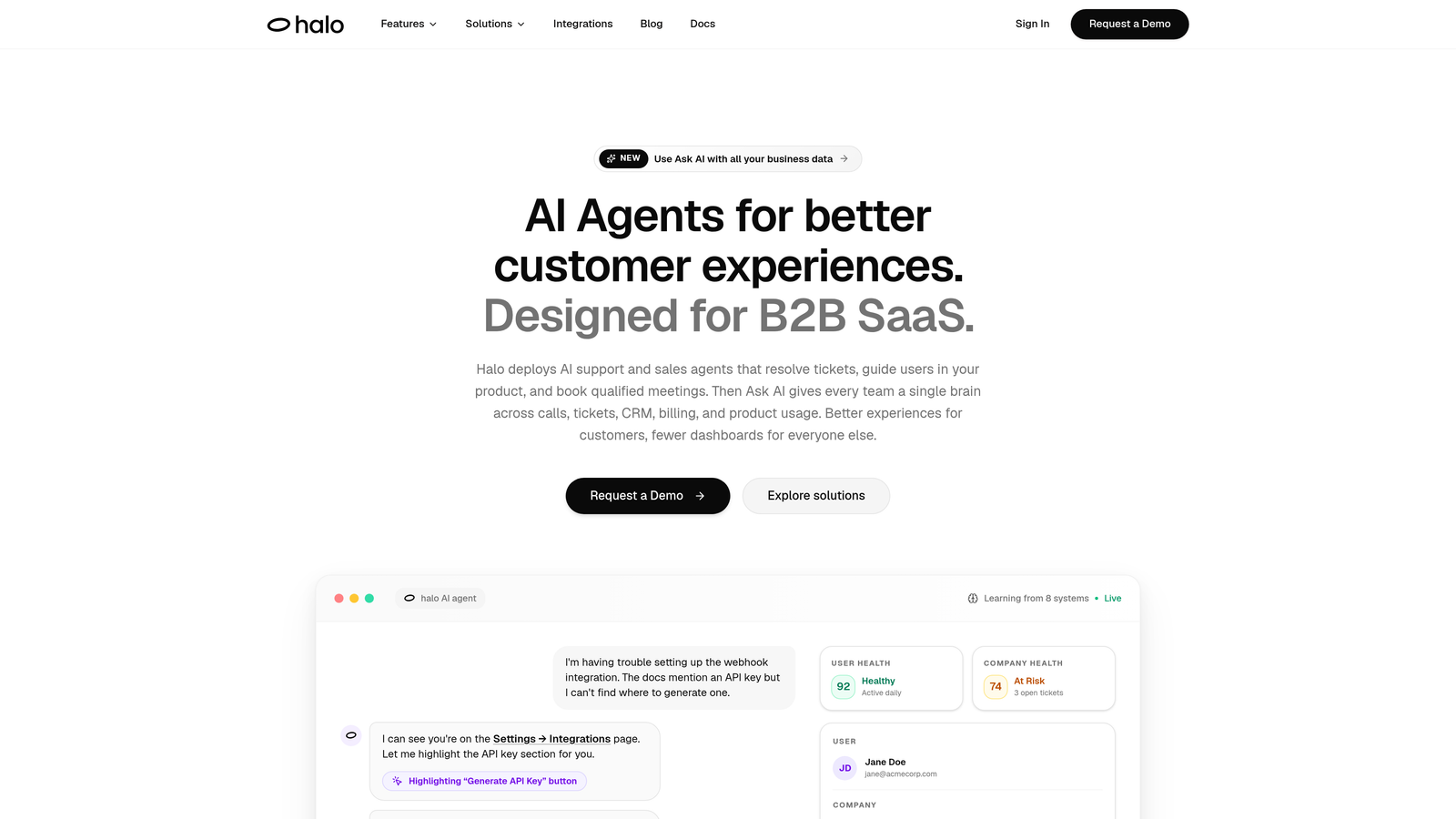
Halo AI is an AI-first customer support platform that deploys intelligent agents to resolve tickets, guide users visually through your product, auto-create bug reports, and surface business intelligence — all while continuously learning from every interaction.
Where This Tool Shines
Halo's most genuinely differentiated capability is page-aware context. The AI agent sees exactly what the user sees inside your product UI, which means it can provide visual, step-by-step guidance rather than generic instructions. This is a meaningful departure from tools that answer questions based solely on static help center content.
Beyond ticket resolution, Halo's smart inbox surfaces business intelligence that most helpdesk tools simply don't offer: customer health signals, revenue anomalies, and churn indicators derived from support conversations. For product teams and customer success leaders, that's a layer of intelligence that extends well beyond deflection rates.
Key Features
Page-Aware AI Agents: The AI understands where a user is in your product UI and delivers visual, contextual guidance rather than generic help articles.
Autonomous Ticket Resolution: Agents handle routine tickets end-to-end, with smart escalation to live agents when complexity requires a human.
Auto Bug Ticket Creation: Support conversations that surface product bugs automatically generate tickets routed directly to Linear, closing the loop between support and engineering without manual intervention.
Smart Inbox with Business Intelligence: The inbox surfaces customer health signals, revenue anomalies, and churn indicators alongside standard support metrics.
Deep Integration Stack: Connects across Slack, HubSpot, Stripe, Intercom, Zoom, PandaDoc, Fathom, and Linear — covering the full business stack, not just the support layer.
Best For
B2B SaaS companies that want more than ticket deflection. Halo is particularly well-suited for product-led growth teams where support context needs to flow into engineering, sales, and customer success simultaneously. If your current helpdesk feels siloed from the rest of your stack, Halo is worth a serious look.
Pricing
Contact for pricing. Halo is designed for B2B SaaS teams and offers custom plans based on team size and usage. Visit haloagents.ai for details.
2. Intercom (Fin AI Agent)
Best for: Teams already running Intercom who want AI resolution without changing their existing messenger setup.
Intercom Fin is Intercom's native LLM-powered AI agent that resolves customer questions directly from your help content, with smooth handoff to human agents inside the Intercom messenger.
Where This Tool Shines
Fin's strength is how naturally it fits within an existing Intercom setup. There's no separate deployment, no new interface to manage, and no migration headache. If your team already lives inside Intercom, Fin feels like a logical extension rather than a new tool to adopt.
The LLM-powered reasoning means Fin can handle nuanced multi-part questions rather than just matching keywords to canned responses. When it can't resolve an issue, the handoff to a human agent preserves the full conversation context, so customers don't have to repeat themselves.
Key Features
LLM-Powered Resolution: Trained on your existing help center content, Fin reasons through customer questions rather than relying on rigid decision trees.
Context-Preserving Handoff: When escalating to a human agent, the full conversation context transfers seamlessly inside Intercom's messenger.
Native Deployment: Works entirely within Intercom — no third-party integration or separate platform required.
Multilingual Support: Handles customer queries in multiple languages out of the box.
Consumption-Based Pricing: You're charged per successful resolution rather than a flat monthly seat fee.
Best For
Support teams already committed to the Intercom ecosystem who want to add AI resolution without disrupting their current workflows. Less ideal for teams looking to move away from Intercom or needing AI capabilities that extend beyond the support conversation itself.
Pricing
Consumption-based: charged per successful resolution. Requires an active Intercom plan. See intercom.com for current resolution pricing tiers.
3. Zendesk AI
Best for: Teams deeply embedded in Zendesk Suite who want AI capabilities without adding a third-party tool.
Zendesk AI is the native AI layer built into the Zendesk Suite, adding intelligent triage, intent detection, automated routing, and AI-generated agent responses directly inside the ticketing engine teams already use.
Where This Tool Shines
The core advantage here is zero-friction adoption. If your support workflow already runs on Zendesk, AI features activate within your existing environment. There's no new vendor to evaluate, no data migration, and no integration work. The AI triage alone, which auto-tags, routes, and prioritizes incoming tickets, can meaningfully reduce the manual overhead for support operations teams.
Copilot mode, which surfaces AI-generated response suggestions to human agents as they work, is a practical middle ground for teams not ready to go fully autonomous. Agents get AI assistance without fully handing off resolution.
Key Features
Intelligent Triage: Automatically tags, routes, and prioritizes incoming tickets based on intent and content.
Copilot Mode: Surfaces AI-generated response suggestions to human agents at the moment they open a ticket.
Autonomous Bot Resolution: Zendesk bots handle common queries end-to-end without agent involvement.
Intent and Sentiment Detection: Identifies customer intent and emotional tone across ticket channels to inform routing and prioritization.
Native Suite Integration: All AI features operate within existing Zendesk workflows — no external deployment required.
Best For
Organizations already running Zendesk Suite at scale who want to layer AI into existing processes incrementally. Less compelling for teams considering a platform switch or those needing business intelligence beyond support metrics.
Pricing
Included in select Zendesk Suite plans; advanced AI features are available as paid add-ons. Enterprise pricing applies. Check zendesk.com for current plan breakdowns.
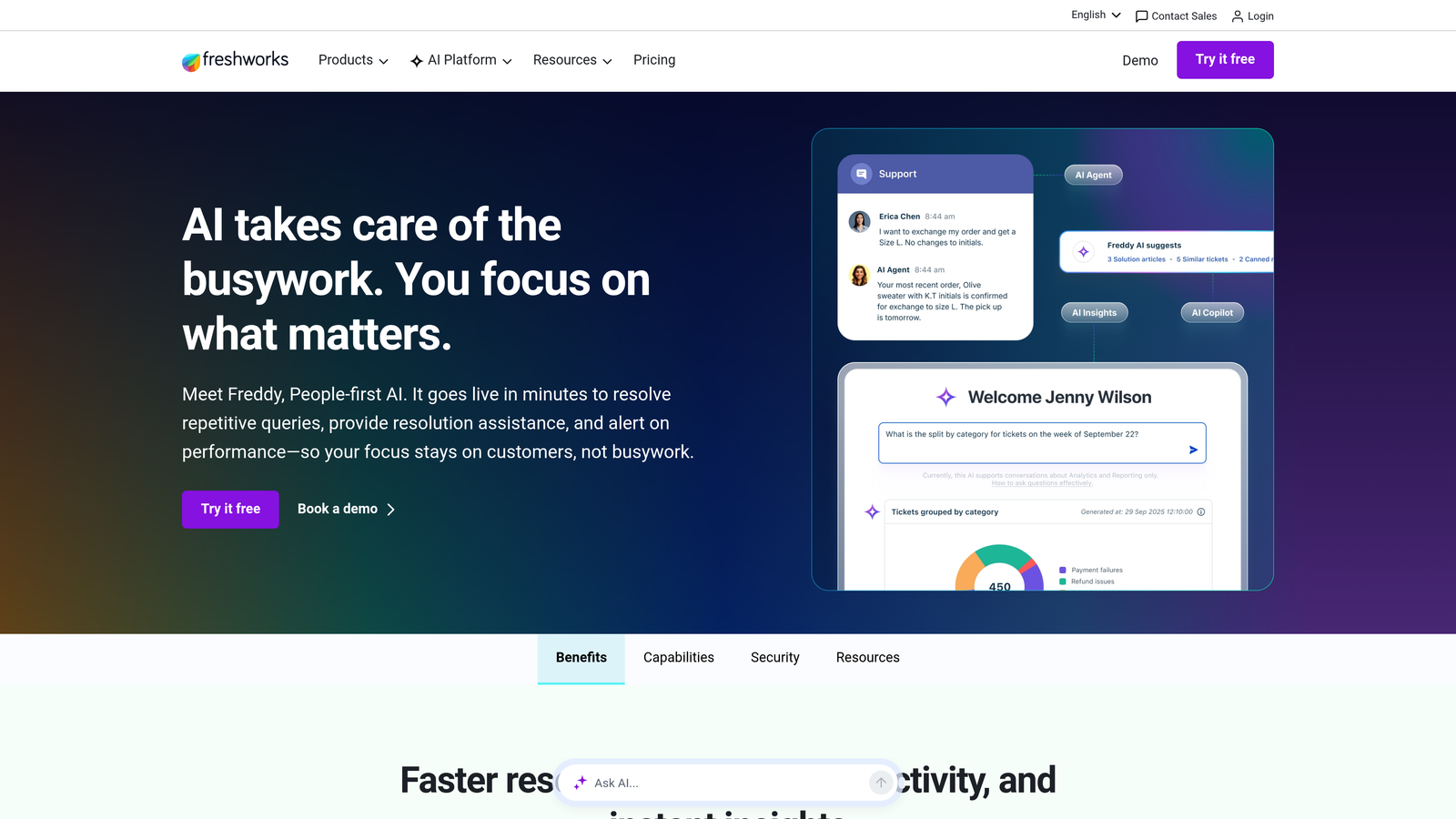
4. Freshdesk Freddy AI
Best for: Companies running multiple Freshworks products who want unified AI across support, CRM, and IT.
Freddy AI is Freshworks' unified AI layer spanning Freshdesk for support, Freshsales for CRM, and Freshservice for IT, giving teams AI assistance across the full customer and employee journey from a single vendor.
Where This Tool Shines
Freddy's cross-suite positioning is its clearest differentiator. Most AI support tools operate in isolation within the support channel. Freddy connects support ticket context to CRM and sales data, which can give agents a richer picture of who they're talking to before they respond.
The split between Freddy Copilot (agent-assist mode) and Freddy Self Service (autonomous resolution) lets teams choose how much autonomy to grant the AI, which is useful for organizations still building trust in automated resolution.
Key Features
Freddy Copilot: AI-assisted response drafting and conversation summarization for human agents handling complex tickets.
Freddy Self Service: Autonomous resolution bot for customer-facing support queries that don't require human involvement.
Cross-Suite Context: Connects support tickets to CRM and sales data across Freshworks products.
Auto-Triage and Categorization: Automatically categorizes and routes incoming tickets based on content and intent.
Multi-Product Coverage: Available across Freshdesk, Freshsales, and Freshservice under a unified AI layer.
Best For
Companies already invested in the Freshworks ecosystem. If you're running Freshdesk alongside Freshsales or Freshservice, Freddy AI offers genuine cross-product value that standalone tools can't replicate. Less compelling for teams running a different CRM or helpdesk stack.
Pricing
Freddy Copilot and Freddy Self Service are priced separately across Freshworks plan tiers. Check freshworks.com for current pricing details, as tiers are updated regularly.
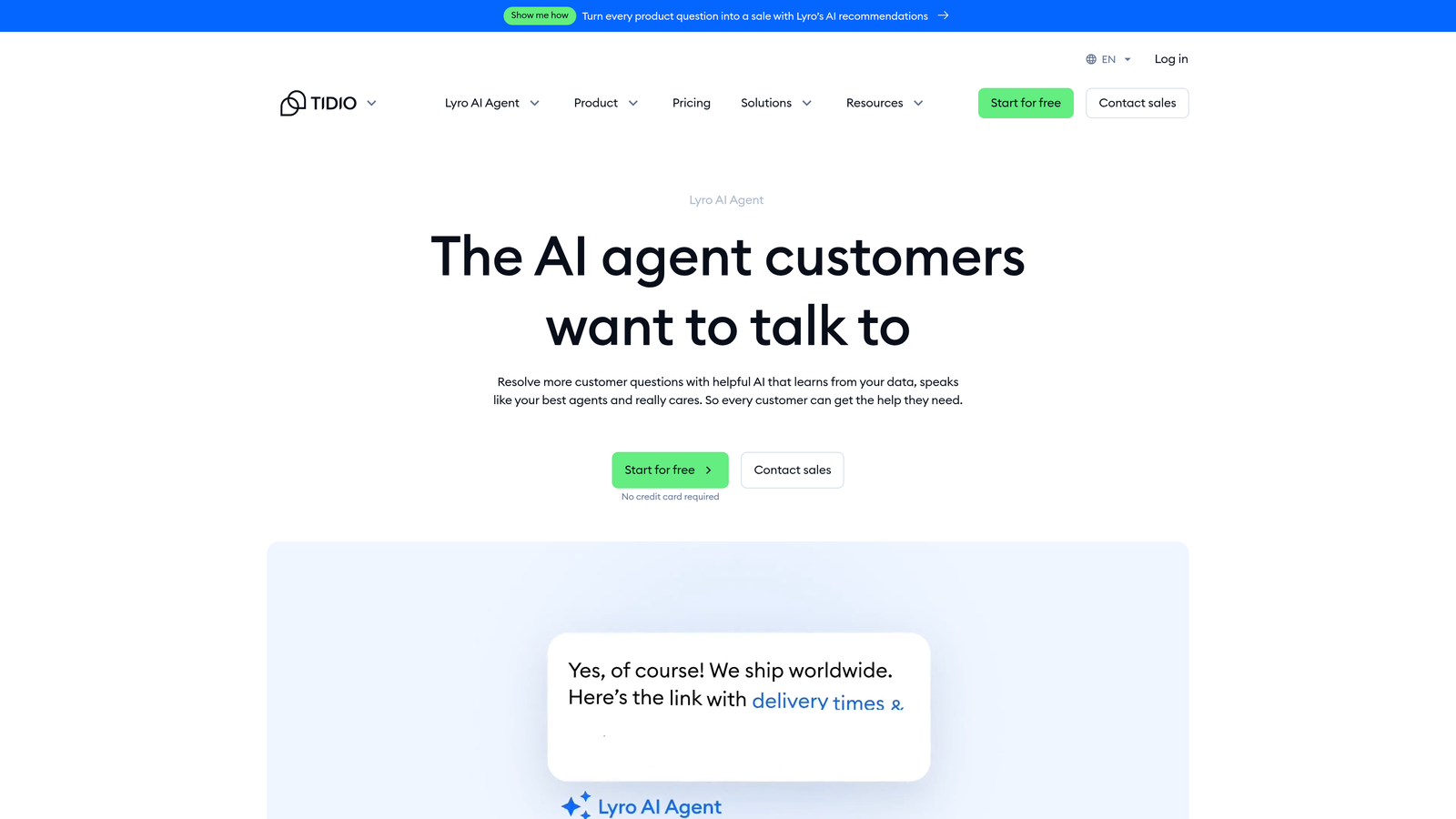
5. Tidio Lyro
Best for: SMBs and e-commerce teams that need fast AI deployment without engineering resources.
Tidio Lyro is a conversational AI agent designed for quick deployment by small and mid-sized businesses, with native integrations into Shopify and WooCommerce and a genuinely low-code setup experience.
Where This Tool Shines
Lyro is built for speed of deployment. You can train it on your FAQ and support content within minutes, without needing a developer or a lengthy onboarding process. For e-commerce teams handling high volumes of order status, shipping, and product queries, the Shopify and WooCommerce integrations handle a large share of common questions automatically.
The platform also includes live chat fallback within the same Tidio interface, so customers transition from AI to human support without switching channels. That continuity matters for smaller teams where the same person often manages both the AI and the chat queue.
Key Features
Fast AI Training: Trains on your FAQ and support content in minutes, with no engineering involvement required.
E-Commerce Integrations: Native Shopify and WooCommerce integrations handle order status, product, and shipping queries automatically.
Multi-Turn Conversations: Maintains context across a conversation rather than treating each message as a new query.
Live Chat Fallback: Seamless escalation to human agents within the same Tidio platform.
Low-Code Setup: Designed for non-technical users — no custom development needed to get started.
Best For
SMBs and e-commerce operators who need a capable AI agent running quickly without technical overhead. Lyro is less suited for complex B2B support workflows or teams that need deep CRM integration and business intelligence alongside their support automation.
Pricing
Lyro starts at approximately $29/month for small conversation volumes, with higher tiers available for larger usage. See tidio.com for current pricing and plan limits.
6. Forethought AI
Best for: Support teams with large historical ticket archives who want AI that improves through predictive learning.
Forethought AI uses predictive AI trained on your historical ticket data to automatically triage, tag, route, and draft responses before a human agent ever opens the ticket.
Where This Tool Shines
The predictive approach sets Forethought apart from tools that rely purely on help center content. By training on your actual historical tickets, the AI learns the patterns specific to your customer base and product, which tends to produce more accurate triage and routing than generic LLM approaches applied to new content alone.
Autoflow, Forethought's autonomous resolution layer, handles tickets that don't require human involvement entirely on its own. For teams with mature ticket histories and well-documented past resolutions, this can meaningfully reduce the volume reaching human agents.
Key Features
Predictive Triage: Learns from historical ticket data to accurately route and prioritize new tickets from the moment they arrive.
AI-Generated Response Drafts: Surfaces suggested responses to agents at ticket open, reducing time spent composing replies from scratch.
Autoflow: Autonomous resolution layer for tickets that can be handled without human involvement.
Helpdesk Integrations: Integrates with Zendesk, Salesforce Service Cloud, and Freshdesk.
Continuous Improvement: Model accuracy improves over time as it processes more ticket history from your specific environment.
Best For
Mid-market and enterprise support teams with substantial ticket history who want AI that learns from real operational data rather than only from documentation. Note: Forethought's ownership and branding have evolved over time, so verify current product status and positioning before committing.
Pricing
Custom enterprise pricing based on ticket volume. Contact Forethought directly for a quote.
7. Ada
Best for: Enterprise teams that need brand-controlled AI conversations with strong multilingual and compliance capabilities.
Ada is an enterprise-grade no-code AI agent builder that lets support and CX teams design, deploy, and control AI conversations without engineering involvement, with particular strength in multilingual support and regulated industry compliance.
Where This Tool Shines
Ada's no-code conversation builder gives non-technical teams genuine control over how the AI behaves, what it says, and how it represents the brand. For enterprise companies where brand consistency and legal compliance are non-negotiable, that level of control is a meaningful advantage over more opaque AI systems.
The multilingual capabilities are among the strongest on this list, supporting dozens of languages without requiring separate builds for each locale. For global consumer brands managing support across multiple markets, this can significantly reduce the operational complexity of multilingual AI deployment.
Key Features
No-Code Conversation Builder: Design and control AI conversation flows without engineering involvement, with full brand tone and content governance.
Multilingual Support: Handles customer queries across dozens of languages natively.
Enterprise Integrations: Deep integrations with enterprise CRM and helpdesk systems.
Compliance and Data Governance: Built with regulated industries in mind, including appropriate data handling and audit capabilities.
Performance Analytics: AI performance reporting and conversation analytics dashboard for ongoing optimization.
Best For
Large enterprises and global consumer brands that need strict control over AI behavior, strong multilingual coverage, and compliance-friendly architecture. Ada is less focused on the B2B SaaS use case and may be more than necessary for smaller teams without complex governance requirements.
Pricing
Enterprise pricing with custom quotes based on volume and feature requirements. Contact Ada directly for details.
8. Kustomer AI
Best for: High-volume consumer brands that need AI automation with full CRM context across every channel.
Kustomer AI combines a CRM-native support platform with AI automation, giving both bots and human agents a unified view of the customer's full history across every channel and interaction in a single timeline.
Where This Tool Shines
Kustomer's CRM-native architecture means the AI doesn't just see the current conversation; it sees the customer's entire history across every previous interaction, purchase, and channel. That context allows for AI responses that feel genuinely personalized rather than generic, and it enables routing decisions based on customer lifetime value rather than just ticket content.
The omnichannel coverage, spanning email, chat, SMS, social, and voice in one platform, is particularly valuable for consumer brands managing high volumes across fragmented channels. Consolidating those channels under a single AI layer reduces the operational overhead of managing multiple tools.
Key Features
CRM-Native Architecture: Full customer history is visible to both AI and human agents in a unified timeline, enabling context-aware responses.
AI-Powered Automated Responses: Automated replies informed by CRM context, not just the current message.
Omnichannel Coverage: Email, chat, SMS, social, and voice managed in a single platform.
Value-Based AI Routing: Routes tickets based on customer lifetime value and interaction history, not just issue type.
Proactive Outreach Triggers: Initiates outreach based on customer behavior signals detected within the platform.
Best For
High-volume consumer brands and omnichannel retailers that need AI automation with deep CRM context. Note: Kustomer's ownership has changed over time; verify current platform status and ownership before evaluating. Less optimized for B2B SaaS teams with complex product-level support needs.
Pricing
Starts at approximately $89/user/month for the Enterprise plan. Custom pricing is available for larger teams. Check kustomer.com for current plan details.
9. Capacity
Best for: Companies that need to automate both external customer support and internal IT/HR helpdesk under a single AI platform.
Capacity is an AI support automation platform that uniquely covers both customer-facing support and internal employee helpdesk under one AI layer, making it a strong fit for organizations looking to consolidate automation across departments.
Where This Tool Shines
Most AI support tools focus exclusively on external customer support. Capacity's dual-use architecture handles IT and HR helpdesk queries from employees alongside customer-facing support from a single platform. For growing companies where the IT team is fielding repetitive internal requests while the support team handles customer tickets, consolidating both under one AI layer can reduce tool sprawl and administrative overhead.
The knowledge base AI learns from documents, FAQs, and past tickets over time, which means the system gets more useful as your content library grows rather than requiring constant manual updates to stay accurate.
Key Features
Dual-Use AI: Handles both customer-facing support and internal IT/HR helpdesk queries under a single platform.
Knowledge Base AI: Learns from documents, FAQs, and historical tickets to improve answer accuracy over time.
Workflow Automation Builder: Creates multi-step automated support processes without requiring engineering resources.
Broad Integrations: Connects with Salesforce, Zendesk, Microsoft Teams, Slack, and other common business tools.
Human Escalation Paths: Full conversation handoff to human agents when queries exceed AI capability.
Best For
Mid-market companies that want to automate both customer support and internal helpdesk simultaneously. Particularly useful for operations-focused teams looking to reduce tool count. Less specialized than purpose-built B2B SaaS support platforms for teams with complex product-level support requirements.
Pricing
Starts at approximately $49/month for small teams, with enterprise plans available for larger organizations. See capacity.com for current tier details.
Which Tool Is the Right Fit for Your Team?
The best AI support automation tool depends heavily on three factors: your current stack, your team's size, and whether you need intelligence beyond ticket deflection.
Here's a quick orientation by use case to help you narrow it down:
You want an AI-first platform, not a helpdesk add-on: Halo AI is the strongest option here, particularly for B2B SaaS teams that need page-aware context, business intelligence, and integrations that span engineering, sales, and customer success.
You're already on Zendesk: Zendesk AI is the lowest-friction choice. Activate it within your existing setup and layer in AI incrementally without a platform change.
You run an SMB or e-commerce store: Tidio Lyro offers fast deployment, affordable pricing, and native Shopify and WooCommerce integrations. It's purpose-built for your use case.
You need enterprise brand control and multilingual coverage: Ada's no-code conversation builder and compliance-friendly architecture make it the right fit for large global teams.
You're running the Freshworks stack: Freddy AI's cross-suite value across Freshdesk, Freshsales, and Freshservice is difficult to replicate with a standalone tool.
One pattern worth noting: the tools that deliver the most long-term value tend to be the ones that learn continuously from real interactions rather than requiring manual updates to stay accurate. That learning loop is the difference between a tool that deflects tickets today and one that gets measurably smarter every week.
For teams ready to move beyond helpdesk extensions and build a genuinely intelligent support layer, See Halo in action and discover how continuous learning transforms every interaction into smarter, faster support that scales without scaling headcount.